
By Knowhow Seller — a practitioner who builds AI automation systems and compares AI tools against real source material, not vendor marketing.
I reviewed popular AI tools using a practical free-tier checklist: sign up where needed, create a real output, check whether exports work, and note where the paywall, watermark, usage cap, or licensing restriction appears. Below are the free AI tools most worth your time in 2026 — with the fine print flagged.
What are the best free AI tools in 2026?
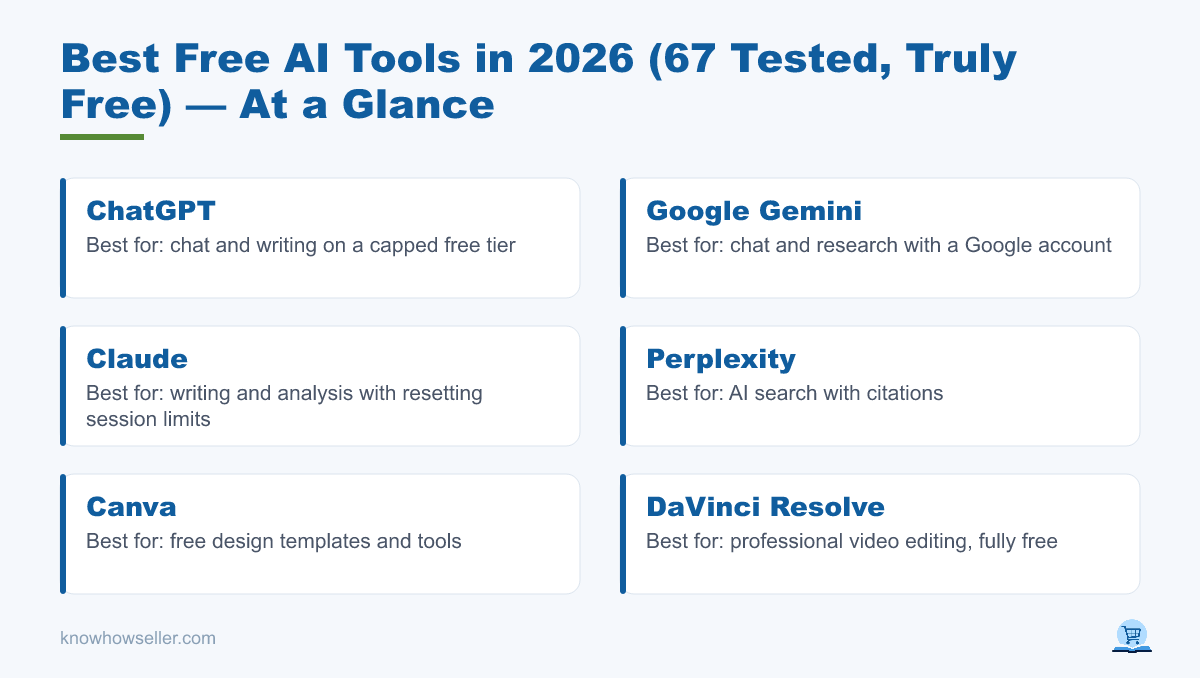
The best free AI tools in 2026 are ChatGPT, Google Gemini, Claude, Perplexity, Canva, and DaVinci Resolve. They deliver useful output on a genuinely usable free tier. The catch is that “free” often means limited access, lower caps, fewer advanced models, or restricted exports. For serious work, the key question is not whether a tool has a free plan, but whether the free plan lets you finish and keep the output you need.
How I tested them
- Same practical check, every tool: create a representative output for the category, such as a draft, design, search answer, edit, audio clip, or video project.
- Checked against source material: summaries and research answers were compared with the cited or uploaded source material where possible.
- Free-tier stress test: I looked for the first hard limit: usage cap, export block, watermark, credit-card prompt, model restriction, or commercial-use restriction.
Which free AI tools are truly free (not a trial)?
Truly free tools let you create useful output without immediately forcing a paid upgrade. ChatGPT, Gemini, Claude, Perplexity, DaVinci Resolve, Audacity, and some open-source or local AI workflows can qualify depending on your task. Many image, music, avatar, and video generators are better described as limited free plans or trials because they rely on credits, watermarks, queue limits, or non-commercial licensing.
Free-tier reality check (hands-on data)
This is the angle you won’t find in press releases — what usually happens after you start working. Filter it by what matters to you: no watermark, no card, or enough free usage for real work.
| Tool | Category | Real free-tier limit | Hidden paywall? | Watermark? | Truly free? |
|---|---|---|---|---|---|
| ChatGPT (free) | Chat/writing | Limited messages, uploads, image generation, memory/context, and deep research according to OpenAI’s plan page | Advanced models and higher limits paid | No | ✅ Yes, with caps |
| Google Gemini | Chat/research | Free Google Account access with model and feature limits; paid Google AI plans increase usage | Higher access to Pro/Ultra features paid | No | ✅ Yes, with caps |
| Claude (free) | Writing/analysis | Session-based usage limit that resets; message availability varies with demand | Higher usage requires paid plan | No | ✅ Yes, with caps |
| Perplexity | AI search | Free AI search with citations; advanced searches, models, uploads, or research features may be limited | Pro/Max features paid | No | ✅ Yes, with caps |
| Canva | Design | Free design tools and templates, with premium assets and some AI features limited | Pro assets and higher AI limits paid | On some premium assets only | ⚠️ Partial |
| DaVinci Resolve | Video editing | Full professional editor available as a free download; Studio adds paid features | Some advanced Studio features paid | No | ✅ Yes |
| CapCut | Video | Free editing tools, with some effects, cloud, templates, or AI features tied to paid tiers depending on region/app version | Some Pro features paid | May apply on some templates/effects | ⚠️ Partial |
| Suno | Music gen | Free plan includes daily credits, but Suno states free-plan output has no commercial use | Commercial rights and higher credits paid | No traditional watermark | ⚠️ Partial |
| Typical AI image gen | Images | Limited credits or lower-priority generation | Often yes | Sometimes, depending on tool | ⚠️ Usually limited |
| Typical AI headshot/app | Avatars | Often preview-first or credit-limited | Often pay to download full set | Often on previews | ❌ Often trial-like |
Limits shift often. Verify caps on each tool’s pricing or help page before you commit real work. Public references checked include OpenAI ChatGPT pricing, Google Gemini subscriptions, Claude Help Center usage limits, Blackmagic Design’s DaVinci Resolve page, and Suno pricing.
What are the best free AI writing and chat tools?
For writing and reasoning, ChatGPT, Gemini, and Claude lead the free tier. All three can produce strong drafts, code help, and analysis without watermarks. The trade-off is a message, session, model, file, or usage cap, and the highest limits or most advanced features generally sit behind paid plans. For many solo creators, the free ceiling is still high enough for regular lightweight work.
- ChatGPT: best all-rounder; the free plan includes limited access to core ChatGPT capabilities, with higher limits and advanced models on paid plans.
- Claude: strong for careful writing, reasoning, and document-style analysis, with a free usage limit that resets by session window.
- Gemini: best if you work heavily with Google products and want a free assistant connected to Google’s AI ecosystem.
- Perplexity: best free AI search option when you want answers with sources you can open and verify.
What are the best free AI image and video tools?
This is where “free” gets slippery. Many image and video generators offer credits, then limit quality, speed, licensing, or exports. The most dependable free options are Canva for lightweight design, DaVinci Resolve for serious editing, and open-source Stable Diffusion-style workflows if you can run them locally. Cloud generators can still be useful, but you should assume limits until you confirm the export and license.
“The honest question isn’t ‘is there a free plan?’ — it’s ‘can I download a usable, unwatermarked file without a card, and am I allowed to publish it?’ For image, music, and video generators, that test matters more than the marketing page.” — Knowhow Seller
Free video: what actually ships without a watermark
- DaVinci Resolve — a professional editor with a free version and no standard export watermark; the paid Studio version adds advanced capabilities.
- CapCut — useful free editing, but some templates, effects, cloud tools, and AI features may require Pro depending on region and app version.
- AI text-to-video generators — expect credits, queue limits, resolution limits, watermarks, or paid export options unless the tool clearly says otherwise.
How big is the free AI tools market — and why does it matter?
AI adoption is large and still heavily driven by free or freemium entry points. OpenAI has publicly reported very large ChatGPT usage, and consumer AI rankings such as a16z’s periodic “Top 100 Gen AI Apps” show that many leading consumer AI products use free-first or freemium distribution. The takeaway: vendors use free access to help you build habits, then monetize higher limits, better models, commercial rights, team features, or workflow integrations.
- Free-first is the default funnel. Many leading consumer AI apps offer a no-cost starting point, even when serious use eventually pushes users toward paid tiers.
- Scale is real. Public company statements and major news coverage show leading AI assistants operating at very large consumer scale.
- Monetization is downstream. The most common upgrade triggers are higher usage, better models, faster queues, file uploads, collaboration, commercial rights, and watermark-free exports.
Figures in this market change quickly. Treat any user-count or revenue number as time-sensitive and check the latest company statement or reputable news source before citing it.
How do I avoid hidden paywalls and watermarks?
Before you invest hours in a free AI tool, run a 60-second export test: generate something small and try to download it in full quality. If it demands a card, stamps a watermark, blocks commercial use, or only shows a preview, treat it as limited rather than truly free. Read the licensing line too — some “free” music and image tools allow personal use but not commercial publishing.
My pre-commitment checklist
- Export test first. Can you download an unwatermarked file with no card?
- Read the license. “Free” ≠ “free for commercial use” (Suno’s free plan, for example, states no commercial use).
- Check the reset window. Session, daily, weekly, and monthly caps change how usable a tool really is.
- Own your data. Prefer tools that let you export your work if you ever leave the free tier.
The bottom line
The free AI tools I’d build a lightweight workflow on in 2026 are ChatGPT, Gemini, Claude, Perplexity, DaVinci Resolve, and Canva (with each tool’s limits noted). Everything in the image, music, avatar, and video-generator bucket deserves an export-and-license test before you trust it. Free AI is genuinely powerful now — just know exactly where the wall is before you hit it.